
Free TheTvApp Preview
Test our TheTvApp Preview to make sure it aligns with your needs, and it’s the perfect service for you. Stream live TV, sports, movies, and series on your favorite device and see the quality for yourself.
100% Free. No credit card or payment needed.
Get Your TheTvApp Preview
Fill out the form below to receive your IPTV credentials and start testing on your device.
Why start with an IPTV Free Trial
Starting with a free trial is one of the best ways to evaluate an IPTV service before committing to a paid subscription. Rather than paying upfront and hoping for good performance, you can personally test stream quality, channel loading times, video clarity, and device compatibility under real viewing conditions. This allows you to see exactly how the service performs on your preferred device, whether it’s a Firestick, Smart TV, Android TV, smartphone, or computer.
TheTvApp simplifies the setup experience by offering detailed installation guides for all major devices and IPTV applications. Whether you need assistance configuring IPTV on Firestick, Smart TVs, Android boxes, Apple devices, PCs, or supported IPTV players, step-by-step tutorials are available to help you get started quickly and easily. If additional support is needed, the customer support team is available to provide dependable assistance throughout the process.
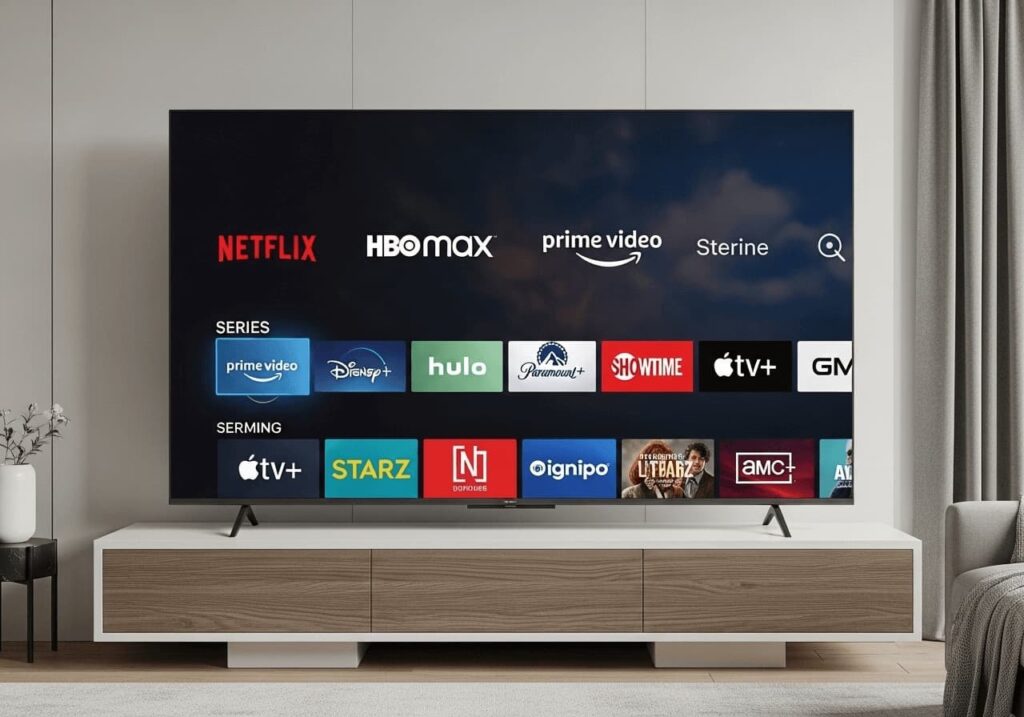
Compatible With All Your Favourite Gadgets
Smart TV (LG, Samsung, TCL etc)
Mobile (android & ios)
Android box & TV
Computers (windows & macos)
Magbox / Formuler
Tablet (ipad & Android)
How To Start Your IPTV FREE TRIAL
Step 1: Download the IPTV app.
Install the IPTV app of your choice on your device.
We suggest TiviMate, IPTV Smarters Pro, or any player that supports M3U or Xtream Codes for the greatest streaming experience.
Step 2: Obtain Your Free Trial credentials Code
Get your IPTV code for a free 36-hour trial to see everything our service has to offer, including thousands of live TV channels, films, and series, without having to commit.
Step 3: Turn on the trial code
In the app’s activation section, enter your trial credentials.
Your channels will load immediately after activation, which often takes less than a minute.
Frequently Asked Questions
It lets you test the service before choosing a subscription. It gives you the chance to explore live TV, sports, movies, and series so you can see how the service performs on your device.
You fill out the trial request form, receive your access details, and set up the service on a supported device. Once activated, you can start testing channels, streaming quality, and overall performance.
No. It is designed to let you test the service without needing a credit card or payment before trying it.
During the trial, you can explore a wide range of live TV channels, sports, movies, TV series, and VOD content to get a real feel for the service.
Our IPTV free trial works on many popular devices, including Firestick, Smart TVs, Android TV, Android boxes, smartphones, tablets, computers, and compatible IPTV player apps.
Yes. We provide tutorials for installing IPTV on all major devices, and our support team is available to help if you need assistance during setup.
Starting with an TheTvApp helps you test stream quality, channel loading speed, device compatibility, and overall performance before committing to a subscription. It is the easiest way to choose with confidence.
Yes. The trial is made to help you explore different types of content, including live sports, live TV, movies, and series, so you can see how well the service matches your viewing needs.
The main benefits are being able to test the service before paying, check content quality, confirm device support, and make sure the streaming experience is stable and easy to use.
Trial access details are usually sent as quickly as possible after your request is submitted, so you can begin testing without unnecessary delays.